BISP Social Protection Wallet 2026 Full Guide to Pay, Withdraw & Track Benefits
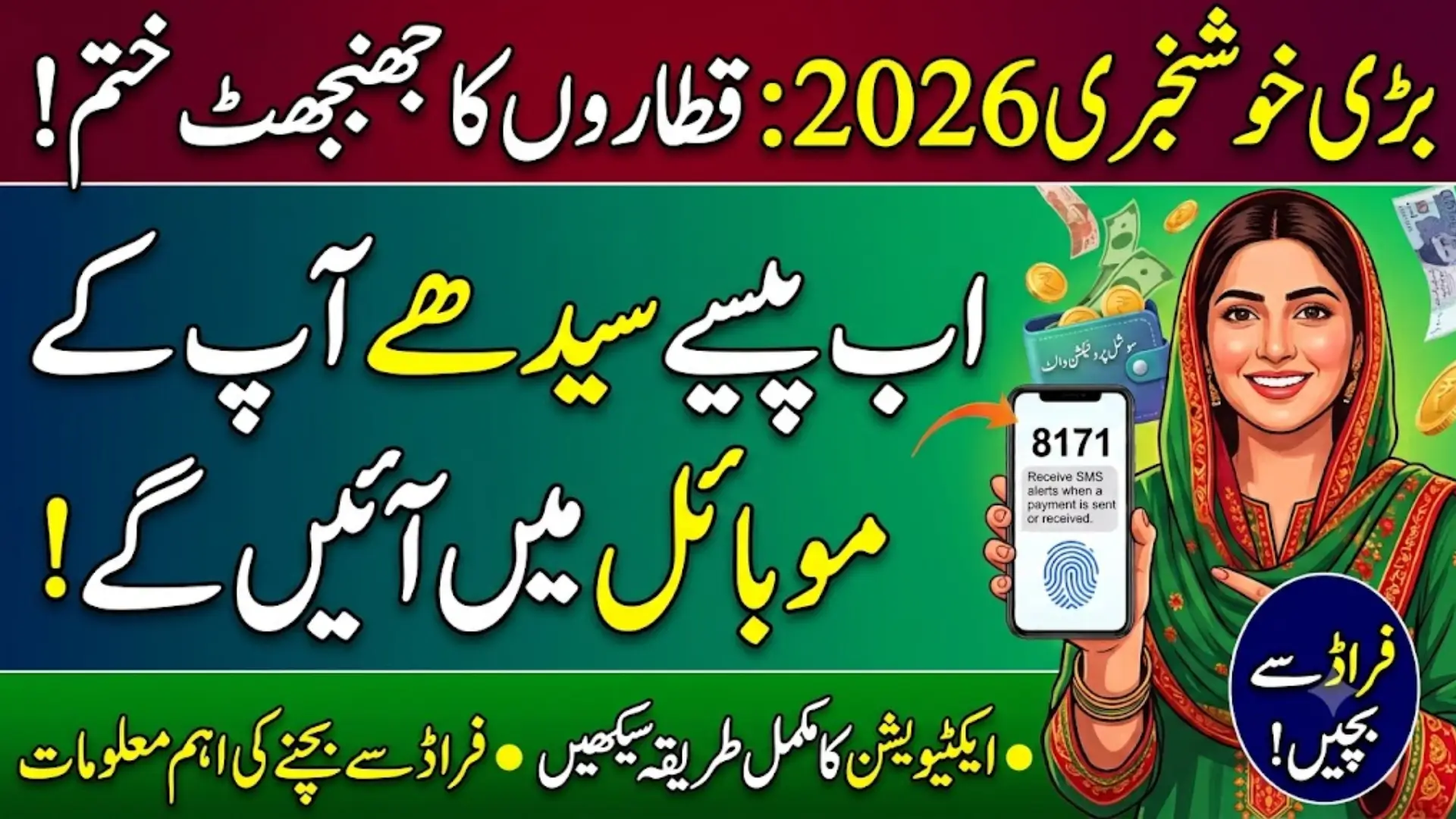
BISP Social Protection Wallet 2026
For years, receiving BISP assistance meant standing in a queue at a payment camp, sometimes for hours, often with a long journey just to get there. That’s changing. The Benazir Income Support Programme has rolled out the Social Protection Wallet — a single digital account that brings together payments, withdrawals, and benefit tracking for multiple BISP programs on one mobile connection.
This guide explains what the wallet actually does, who can use it, how to set it up, and how to keep it safe from fraud.
Note on figures: Payment amounts and district-wise rollout timelines have been updated more than once in 2026 and differ across sources. For the current quarterly amount and your district’s status, check 8171.bisp.gov.pk or call the BISP helpline 0800-26477 directly.
What Is the BISP Social Protection Wallet?
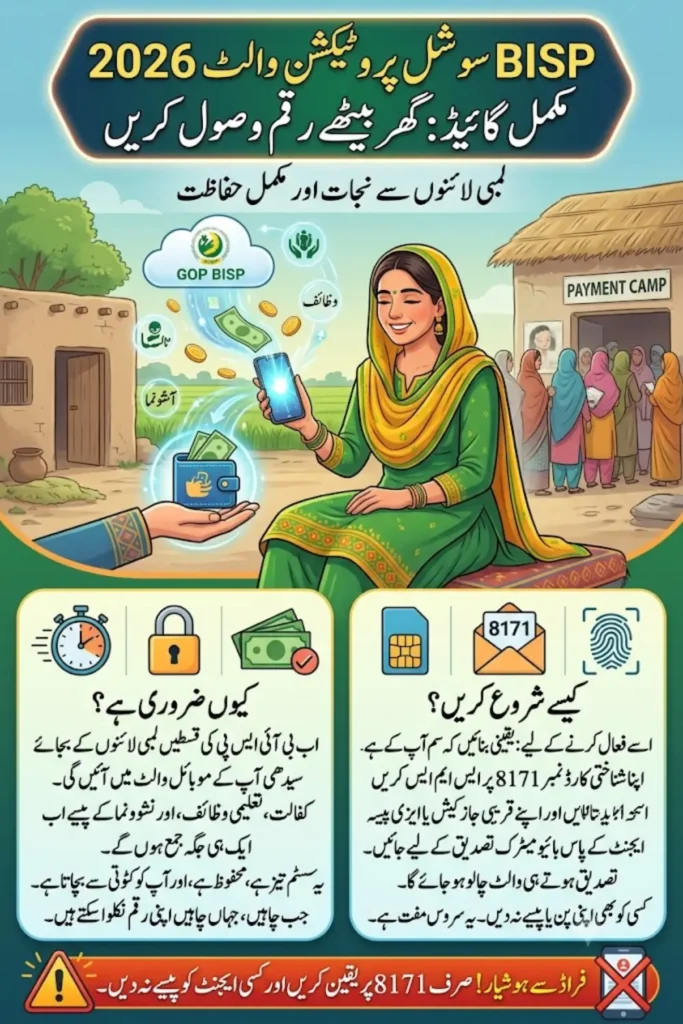
The Social Protection Wallet is a digital account linked to your CNIC and your registered mobile SIM. Think of it as a lightweight mobile bank account built specifically for government welfare payments. Instead of separate cash pickups for each scheme, one wallet can hold:
- Benazir Kafalat quarterly cash assistance
- Benazir Taleemi Wazaif education stipends
- Nashonuma nutrition support for mothers and young children
- Emergency relief payments, where applicable
Everything deposits, past transactions, and pending amounts is visible from your own phone, without needing to visit a bank branch every time.
Also Read: BISP Wallet SIM 8171 (2026) Activation, Eligibility & Payment Guide
Why BISP Built a Unified Wallet
The old cash-camp model had well-known problems: long travel distances, hours of waiting, and cases of agents skimming money off beneficiaries who couldn’t easily check what they were owed. The wallet system was designed to fix these directly:
- Faster payments — money lands in the wallet the moment it’s released, no waiting for a camp date
- Less room for fraud — biometric and CNIC-SIM matching make it much harder for someone else to claim your payment
- Round-the-clock access — check your balance or transaction history any time, not just on camp days
- Support for women’s financial inclusion — many beneficiaries never had a bank account before; the wallet gives them one
- One record across programs — Kafalat, Taleemi Wazaif, and Nashonuma payments are tracked under a single beneficiary profile instead of scattered paper records
Also Read: BISP 8171 Phase-2 2026 Rs 13,500 District-Wise Payment Release Now Started
What You Can Do With the Wallet
Receive payments Kafalat installments, education stipends, and nutrition support are deposited directly, with an SMS confirming each transfer.
Withdraw cash Once money is in the wallet, you can collect it through partner banks, mobile wallet agents, or authorized retail outlets — whichever is closest to you.
Track everything See incoming deposits, past transactions, and any pending payments without leaving home.
Verify your identity CNIC matching and biometric checks confirm that only you can access your own funds.
Also Read: BISP Payment 2026 District-Wise Disbursement List & CNIC Status Check Now Live
Who Can Use the Social Protection Wallet?
To activate and use the wallet, you generally need to meet these conditions:
- You’re an active beneficiary under Kafalat, Taleemi Wazaif, or another eligible BISP program
- You have an active record in the National Socio-Economic Registry (NSER)
- Your household’s poverty score (PMT) falls within the current eligibility range
- Your mobile SIM is registered under your own CNIC — not a husband’s, son’s, or other relative’s
- Any recent changes in your household (marriage, birth, death) have been updated through a Dynamic Survey at your local BISP office
If your family situation has changed recently and hasn’t been reported, update it first outdated NSER data is one of the most common reasons wallet activation stalls.
Also Read: BISP 8171 Payment Schedule 2026 HBL & Alfalah Withdrawal Start Date Announced
How to Set Up Your Social Protection Wallet
Step 1: Send your CNIC to 8171 From your own registered SIM, text your 13-digit CNIC (no dashes) to 8171. You’ll get a reply confirming your eligibility status and what, if anything, still needs verifying.
Step 2: Visit a partner agent Head to your nearest JazzCash, Easypaisa, HBL Konnect, or UBL Omni agent point. Bring your original CNIC and the same phone with the SIM you used in Step 1.
Step 3: Complete biometric verification The agent scans your thumbprint, which NADRA checks against its records in real time — there’s no waiting period for this part.
Step 4: Receive your activation SMS Once verified, 8171 sends a confirmation message. From here, your wallet is live and ready to receive payments.
If you don’t already have a SIM in your own name, ask about BISP’s SIM-distribution support at your local Tehsil or Union Council office — this has been extended to beneficiaries who couldn’t previously afford or access one.
Why CNIC and SIM Must Match
This single rule underpins almost all of the wallet’s security:
- It stops someone else from claiming your payment
- It ensures OTPs and alerts reach the right person
- It prevents duplicate or fraudulent registrations
- It keeps your account from being frozen due to a mismatch
If your current SIM is registered under a relative’s name, visit your network’s franchise to have it re-registered in your own name before attempting wallet activation.
Tracking Your Payments
You don’t need to guess whether a payment has arrived. You can check through:
- SMS alerts sent automatically after every deposit
- The 8171 web portal, using your CNIC
- Your wallet provider’s app, if you have a smartphone
- A visit to any authorized agent, who can look up your balance on the spot
Where to Withdraw Your Money
The wallet works with a wide network of partner banks and retail agents, so beneficiaries in smaller towns aren’t left without options:
Partner banks: HBL, Bank Alfalah, UBL, and select microfinance banks Retail agents: JazzCash, Easypaisa, Konnect by HBL, and UBL Omni outlets
Withdrawals are usually biometric — a thumbprint at the agent counter or ATM — so you don’t need to carry a card or remember a PIN for basic cash collection.
Keeping Your Wallet Safe
A digital wallet is only as secure as the habits around it. A few essential rules:
- 8171 is the only official sender. Ignore any “BISP” message from a personal number.
- Nothing about registration or withdrawal costs money. Anyone asking for a fee, whether by call, SMS, or in person, is not acting on BISP’s behalf.
- Never share your OTP, PIN, or biometric details — not with an agent, not with someone claiming to be BISP staff.
- Don’t open a personal JazzCash or Easypaisa account hoping it will “become” your BISP wallet. The official wallet is created automatically once your CNIC and SIM are verified through 8171 — you don’t need to set anything up yourself.
- Report suspicious activity to the free helpline 0800-26477 or your nearest BISP office.
Programs Commonly Linked to the Wallet
- Benazir Kafalat — the core quarterly cash assistance for eligible households
- Benazir Taleemi Wazaif — conditional education stipends tied to school attendance
- Nashonuma — nutrition support for pregnant and breastfeeding women and young children
Coverage can expand over time, so it’s worth checking the official portal periodically to see whether a new program has been add to your wallet.
Frequently Asked Questions
1. Is the Social Protection Wallet different from the earlier 8171 Wallet SIM system?
They’re closely related. The Wallet SIM system links your CNIC and SIM for payment alerts and verification; the Social Protection Wallet builds on that same foundation to also track multiple programs and manage withdrawals from one account.
2. Do I need a smartphone to use it?
No. SMS to 8171 and biometric verification at an agent both work with a basic keypad phone.
3. Can my wallet be link to a family member’s SIM?
No. For security, the SIM must be register under your own CNIC.
4. What if my biometric verification keeps failing?
Visit a NADRA center to update your fingerprint records, then retry verification at a BISP agent.
5. Is there any fee for activation or withdrawal?
No. The service is completely free. Treat any request for payment as a scam.
6. How do I know if a new program has been add to my wallet?
Check the 8171 portal or ask at your nearest BISP office new program integrations are usually announce there first.
Also Read: BISP Digital Wallet 2026 Receive Payments Securely via Easypaisa & JazzCash Integration