8171 Verification Not Completed? Here’s How to Fix It (2026 Guide)
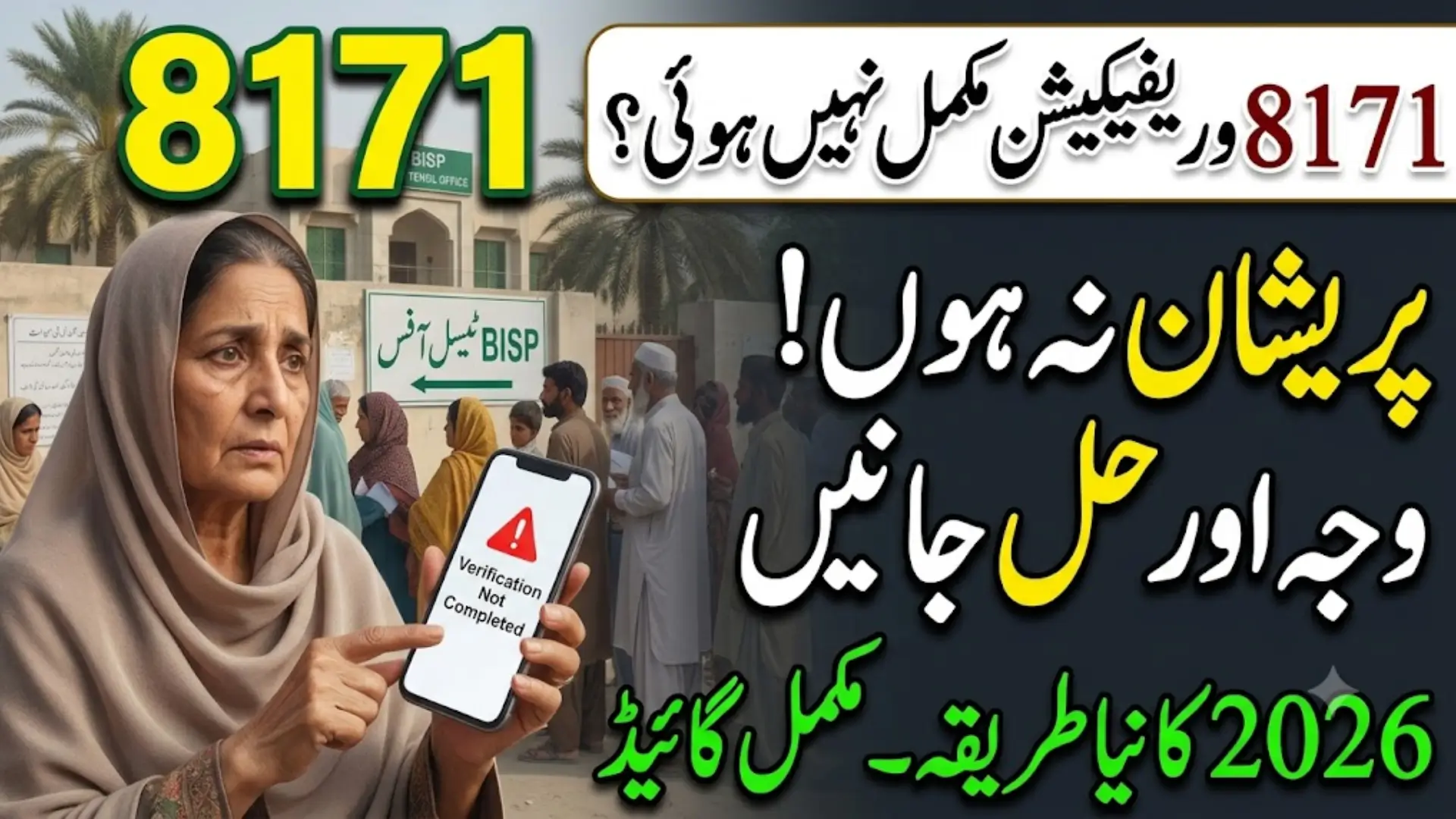
8171 Verification Not Completed? Here’s Why and How to Fix It
Checked your status on the 8171 portal and got “Verification Not Completed” instead of good news? This is one of the most common messages BISP beneficiaries run into, and it almost always comes down to a data mismatch, an outdated survey, or a biometric issue — not something wrong with your eligibility itself.
Here’s a clear breakdown of why this happens and how to actually resolve it in 2026.
Also Read: BISP 8171 Payment Locations 2026 Find Your Nearest Withdrawal Point
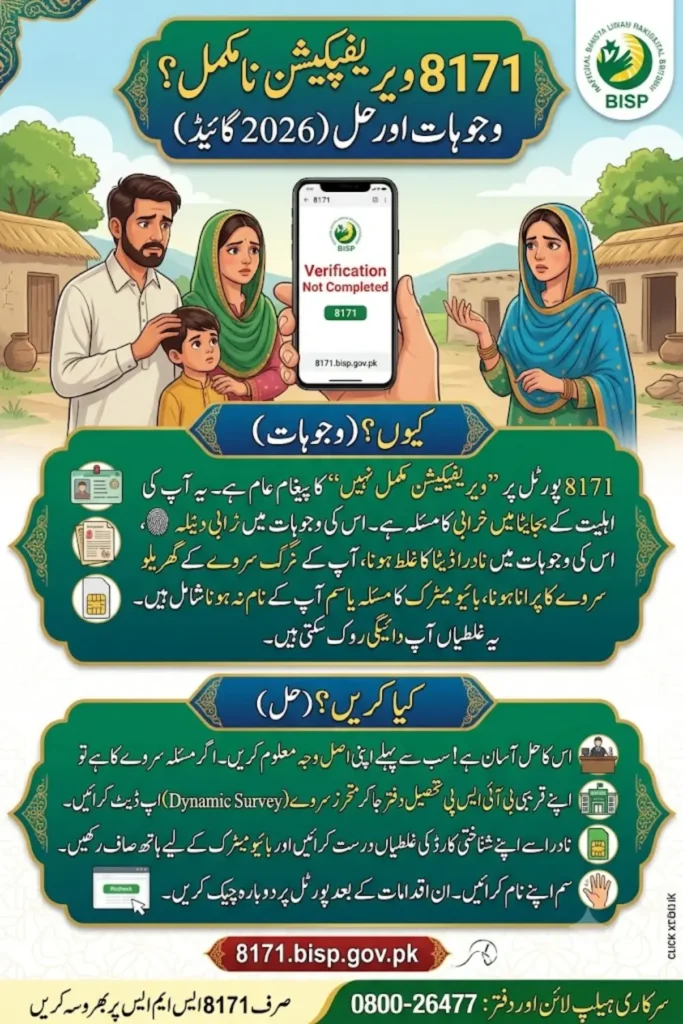
Why Your 8171 Verification Isn’t Completing
Your CNIC gets checked against NADRA and NSER records every time you’re verified. If anything doesn’t line up, the system holds your approval. The usual culprits are:
1. Data mismatch with NADRA Your name, date of birth, marital status, or address on file doesn’t match what’s in your CNIC record.
2. Outdated or missing NSER survey BISP eligibility is based on your household’s record in the National Socio-Economic Registry (NSER). If your survey is old, incomplete, or was never done, verification won’t go through.
3. Biometric mismatch Your fingerprints didn’t match at the payment center, either due to a scanning issue or a device fault.
4. SIM not registered under your own CNIC This blocks OTPs and confirmation messages, which can stall the whole process.
5. Expired CNIC An expired CNIC is one of the fastest ways to get flagged, even if everything else on your file is correct.
6. Wallet not fully activated With BISP shifting more payments to digital wallets, an incomplete wallet activation on the JazzCash or EasyPaisa side can also show up as a verification issue.
Also Read: BISP 8171 Payment Update 2026 Latest Installment, Eligibility & Status Check
Step-by-Step: How to Fix It
Step 1: Check Your Exact Status
Go to 8171.bisp.gov.pk, enter your CNIC and the captcha, and see exactly what message appears — “Verification Not Completed,” “Data Not Found,” or “Biometric Failed.” Each points to a different fix, so this step matters.
Step 2: Update Your NSER Survey
If your household data is outdated, this is usually the real blocker. Visit your nearest BISP Tehsil Office and request an NSER Dynamic Survey Update. Bring your CNIC and be ready to share household details — family size, income, and living situation.
Once submitted, allow 10 to 30 days for the update to reflect in the system. You’ll typically get a confirmation SMS from 8171 once it’s processed.
Step 3: Redo Your Biometric Verification
If your fingerprints failed to match:
- Wash and dry your hands before scanning — this alone fixes a lot of failed attempts
- Try a different finger (index or thumb usually work best)
- If one machine keeps failing, try a different HBL Konnect or Bank Alfalah counter
- In genuine cases where fingerprints can’t be read (due to age or manual labor), ask staff about a biometric exemption
Step 4: Correct Your CNIC at NADRA
If your CNIC has expired, or your name, date of birth, or marital status doesn’t match BISP’s records, get it corrected at NADRA first. After the update, wait 24 to 48 hours before rechecking the 8171 portal — NADRA’s updates take a little time to sync.
Step 5: Make Sure Your SIM Is in Your Own Name
Check that the mobile number linked to your BISP profile is registered under your own CNIC, not a family member’s. If it isn’t, get it corrected at any telecom outlet, since this is required for OTPs and SMS confirmations.
Step 6: Re-Submit on the 8171 Portal
Once your NADRA, NSER, or biometric issue is resolved, go back to the 8171 portal, enter your CNIC, and check your status again. If asked, upload or confirm your updated details. The recheck usually starts automatically once your underlying issue is fixed.
Also Read: 8171 Web Portal 2026: BISP CNIC Check & Rs. 14,500 Payment Guide
Tracking Your Status
You can check progress through any of these:
- 8171 web portal — 8171.bisp.gov.pk
- SMS — send your CNIC number to 8171
- BISP Tehsil Office — for manual confirmation
- HBL Konnect / Bank Alfalah — for biometric and wallet-related queries
It’s worth checking every few days after making an update, rather than waiting weeks, since some fixes reflect faster than others.
Also Read:
When to Visit in Person Instead of Checking Online
Skip the online checks and go straight to a BISP office or NADRA center if:
- Your CNIC has expired
- Biometric verification keeps failing across multiple attempts
- You keep getting a “data mismatch” message with no clear cause
- NSER cannot verify your household identity at all
These situations usually need a manual correction that the portal can’t resolve on its own.
Also Read: 8171 BISP Portal 2026: Check Your Rs. 14,500 Payment Status
Protect Yourself From Fraud
- 8171 is the only official BISP SMS number. Don’t trust messages from any other number claiming to fix your verification.
- Verification, NSER updates, and biometric rechecks are all free. No one should ask you for money to “complete” your verification.
- If someone offers to speed up your approval for a fee, report it through the official helpline.
Also Read: BISP 8171 ATM Withdrawal Guide 2026: How to Collect Rs. 14,500
Helpline & Support
- BISP Helpline: 0800-26477 (free, all networks)
- Landline: 051-9246326
- In person: Your nearest BISP Tehsil Office for NSER correction, biometric exemption requests, or wallet reactivation
Also Read: BISP Payment Missing From Wallet 2026 Reasons & How to Fix It Fast
Frequently Asked Questions
Q: Why does my 8171 status show “Verification Not Completed”?
It usually means your CNIC, NSER survey, or biometric data doesn’t fully match records at NADRA or BISP. Check your exact status message on the 8171 portal to know which one applies to you.
Q: How long does an NSER survey update take to reflect?
Typically 10 to 30 days after your survey is completed at a BISP Tehsil Office.
Q: My biometric keeps failing — what should I do?
Try washing and drying your hands before scanning, use a different finger, or try another payment center. If it keeps failing, ask about a biometric exemption at your BISP Tehsil Office.
Q: Do I need to pay anything to fix my verification?
No. All verification, survey updates, and biometric rechecks through BISP are completely free.
Q: How do I know if the issue is my CNIC or my NSER survey?
The exact message on the 8171 portal will usually tell you — “Data Not Found” typically points to NADRA or CNIC issues, while eligibility-related messages usually point to your NSER survey.
Q: Can I check my verification status by SMS instead of the portal?
Yes. Send your CNIC number to 8171 from your registered mobile number to get your status by text.
Also Read: BISP 8171 Payment Locations 2026 Find Your Nearest Withdrawal Point