BISP 8171 ATM Withdrawal Guide 2026: How to Collect Rs. 14,500
BISP 8171 ATM Withdrawal Guide 2026
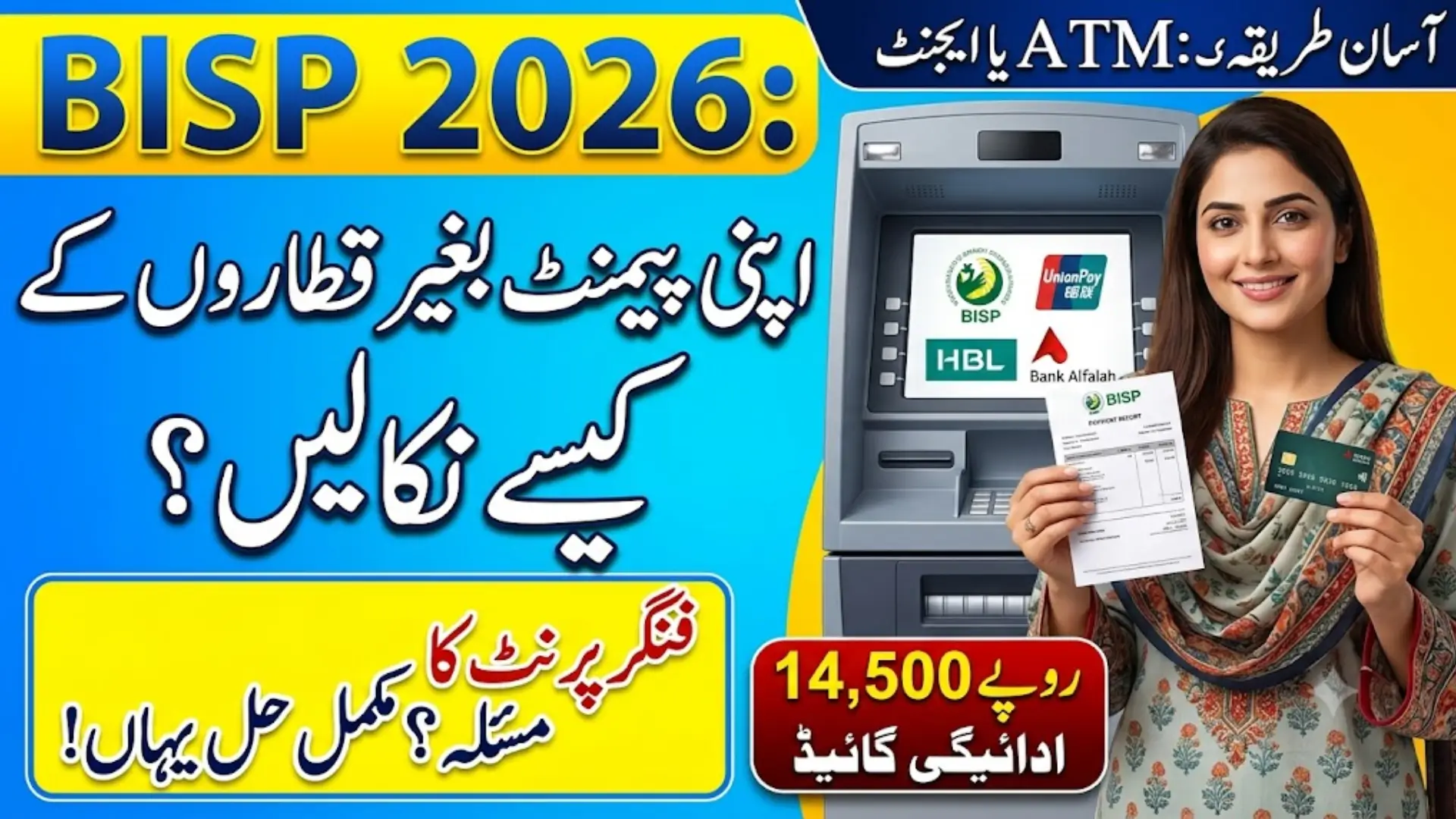
Long queues at crowded payment camps used to be the only option for BISP beneficiaries. That’s changed — most families can now collect their Kafalat payment from a bank ATM or agent, using nothing but their CNIC and a fingerprint. Here’s exactly how it works, based on what’s actually confirmed across multiple official-style sources, not guesswork.
Current Payment Amount
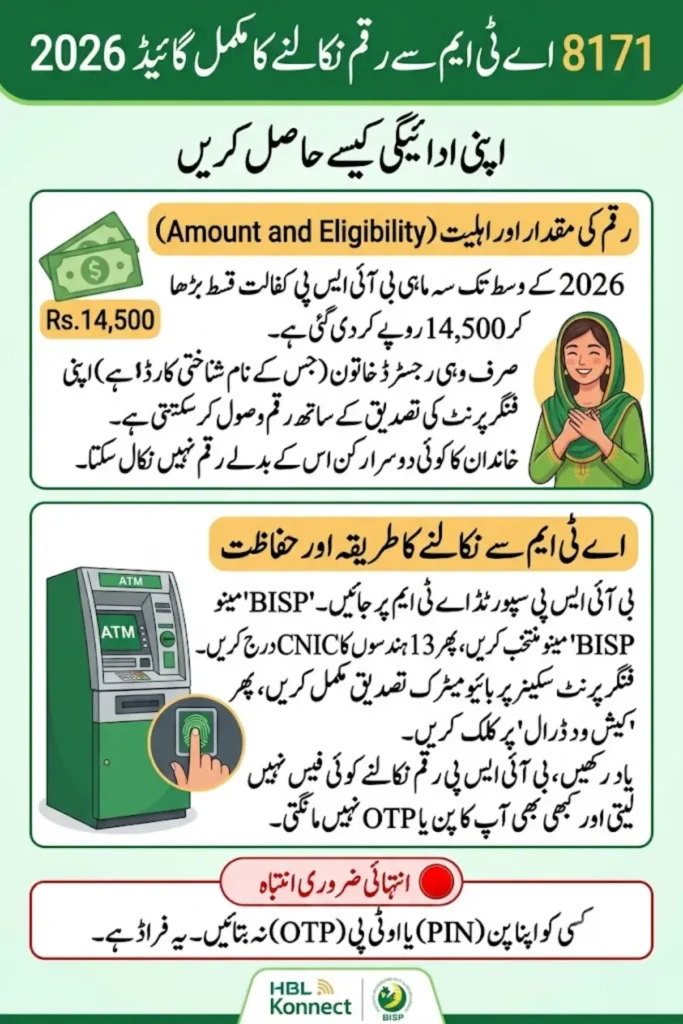
The quarterly Benazir Kafalat installment is Rs. 14,500 as of mid-2026, raised from the earlier Rs. 13,500 rate. Some older pages online still quote Rs. 13,500 — that’s outdated. Always trust the amount shown on your own status check over what any article (including this one) tells you, since these figures do get revised.
Who Can Withdraw This Way?
Only the registered beneficiary — biometric (fingerprint) verification is tied to her CNIC specifically, so a family member or friend can’t collect on her behalf. This is by design, to make sure the payment reaches the woman it’s meant for.
Also Read: BISP 8171 Payment Update 2026 Latest Installment, Eligibility & Status Check
Where You Can Withdraw From
Based on consistent reporting, the confirmed channels are:
- HBL (Habib Bank Limited) ATMs, including HBL Konnect agent points
- Bank Alfalah ATMs and partner branches
- Authorized BISP retail agents / biometric-enabled shops, especially useful in rural areas
- Designated BISP campsites, still used in some districts during active payment phases
- Digital wallets, such as JazzCash, in areas where BISP has rolled out wallet-based disbursement
Not every bank or ATM supports this — only ones specifically marked for BISP/Kafalat withdrawal. Don’t assume any random ATM will work.
Also Read: 8171 Web Portal 2026: BISP CNIC Check & Rs. 14,500 Payment Guide
Withdrawing From an HBL or Bank Alfalah ATM
- Go to a BISP-supported HBL or Bank Alfalah ATM
- Select the “BISP” or “Kafalat” option on the screen
- Enter your 13-digit CNIC number
- Complete fingerprint (biometric) verification on the scanner
- Choose “Cash Withdrawal” and confirm the amount
- Collect your cash and the printed receipt — keep the receipt as your record
Tip: Peak collection days right after a new payment cycle opens can mean longer lines and occasional cash shortages at individual ATMs. If you’re not in a hurry, visiting a few days after release tends to be smoother.
Also Read: 8171 BISP Portal 2026: Check Your Rs. 14,500 Payment Status
Withdrawing Over the Counter at a Bank Branch
If you’d rather have staff assist you, or if you’re a first-time beneficiary:
- Visit the nearest Bank Alfalah or HBL branch
- Bring your original CNIC
- Complete biometric verification with a bank representative
- Request your BISP/Kafalat payment
- Count your cash before leaving the counter
- Keep your receipt
Withdrawing Through an Agent or Digital Wallet
In many rural areas, an authorized agent point is the most accessible option:
- Wait for the confirmation SMS from 8171 saying your payment is ready
- Visit a nearby authorized BISP retail agent (look for visible BISP/Kafalat signage — don’t trust an unmarked shop claiming to be one)
- Provide your CNIC and complete biometric verification
- Collect your cash
Where BISP has activated digital wallet disbursement (JazzCash in various areas), you can register your mobile number to receive payments directly into the wallet and cash out at your convenience, or use it for digital transfers and bill payments.
Before You Go: Check Your Status First
Don’t make a trip on a guess. Confirm your payment is actually released first:
- Online: Visit 8171.bisp.gov.pk, enter your CNIC and the captcha, and check your status
- SMS: Send your 13-digit CNIC to 8171 from your own registered SIM
- Helpline: Call 0800-26477 if you can’t access the portal or SMS
Status labels you might see: Pending (not yet processed), Under Verification (being checked against government records), or Payment Released (ready to collect).
Why Your ATM Might Show “No Payment”
A few common reasons:
- Your installment hasn’t been released yet for your district or phase
- Your CNIC needs re-verification or updated NSER data
- The specific ATM is temporarily out of cash
- You’re checking before the official release date for your area
What to do: Recheck your status through 8171 after a day or two, or visit your BISP Tehsil Office if the issue continues.
Fingerprint Not Matching? Try This
Biometric mismatches are common and usually fixable:
- Clean your fingertip and try again
- If your skin is very dry, a small amount of lotion sometimes helps the scanner read better
- Try a different finger, or a different ATM/agent machine
- If it keeps failing, your biometric data on file may be outdated — visit a NADRA office to update it
- Make sure your CNIC hasn’t expired, since that alone can block verification
If none of this works after a couple of tries, visit your nearest BISP Tehsil Office directly rather than repeatedly trying different machines.
Safety Tips for Withdrawal Day
- No withdrawal fee exists. If anyone — an agent, a “helper” at the ATM, or a caller — asks for money to release or speed up your payment, that’s a scam. Report it.
- Never share your CNIC, OTP, or ATM PIN with anyone, including someone claiming to work for BISP over the phone. BISP will not ask for these.
- Count your cash privately, away from strangers.
- Only use ATMs or agents with visible, official BISP/Kafalat signage.
- Keep your withdrawal receipt — it’s your proof if a dispute ever comes up.
Also Read: BISP 8171 Payment Locations 2026 Find Your Nearest Withdrawal Point
Frequently Asked Questions
How much is the current BISP Kafalat payment?
Rs. 14,500 per quarter as of mid-2026. Always confirm the current figure through your own status check.
Which banks support BISP ATM withdrawal?
HBL and Bank Alfalah are the consistently confirmed partner banks, along with authorized agent networks like HBL Konnect.
Is there a fee to withdraw my BISP payment?
No. Withdrawal, status checks, and registration are all completely free.
Can someone else withdraw my payment for me?
No — biometric verification is tied to the registered beneficiary’s own fingerprint, so withdrawal must be done in person by her.
What if my fingerprint won’t verify?
Clean your finger and retry, try a different machine, or visit NADRA to update your biometric record if the problem persists. If it still fails, go to your BISP Tehsil Office.
Can I withdraw through a mobile wallet instead of an ATM?
In areas where BISP has activated digital wallet disbursement (such as JazzCash), yes — you can register your mobile number and receive payments directly into the wallet.
Also Read: BISP Social Protection Wallet 2026 Full Guide to Pay, Withdraw & Track Benefits
Final Word
The shift to ATM and agent-based withdrawal has genuinely made BISP payments faster and harder to skim off by middlemen — but it only works in your favour if you stick to official channels. Check your status first through 8171.bisp.gov.pk or SMS, withdraw only from clearly marked BISP/Kafalat points, and never pay anyone a “fee” to get your own money.
Also Read: BISP Wallet SIM 8171 (2026) Activation, Eligibility & Payment Guide