BISP Digital Wallet 2026 – SIM Linking, Balance Check & Full Guide
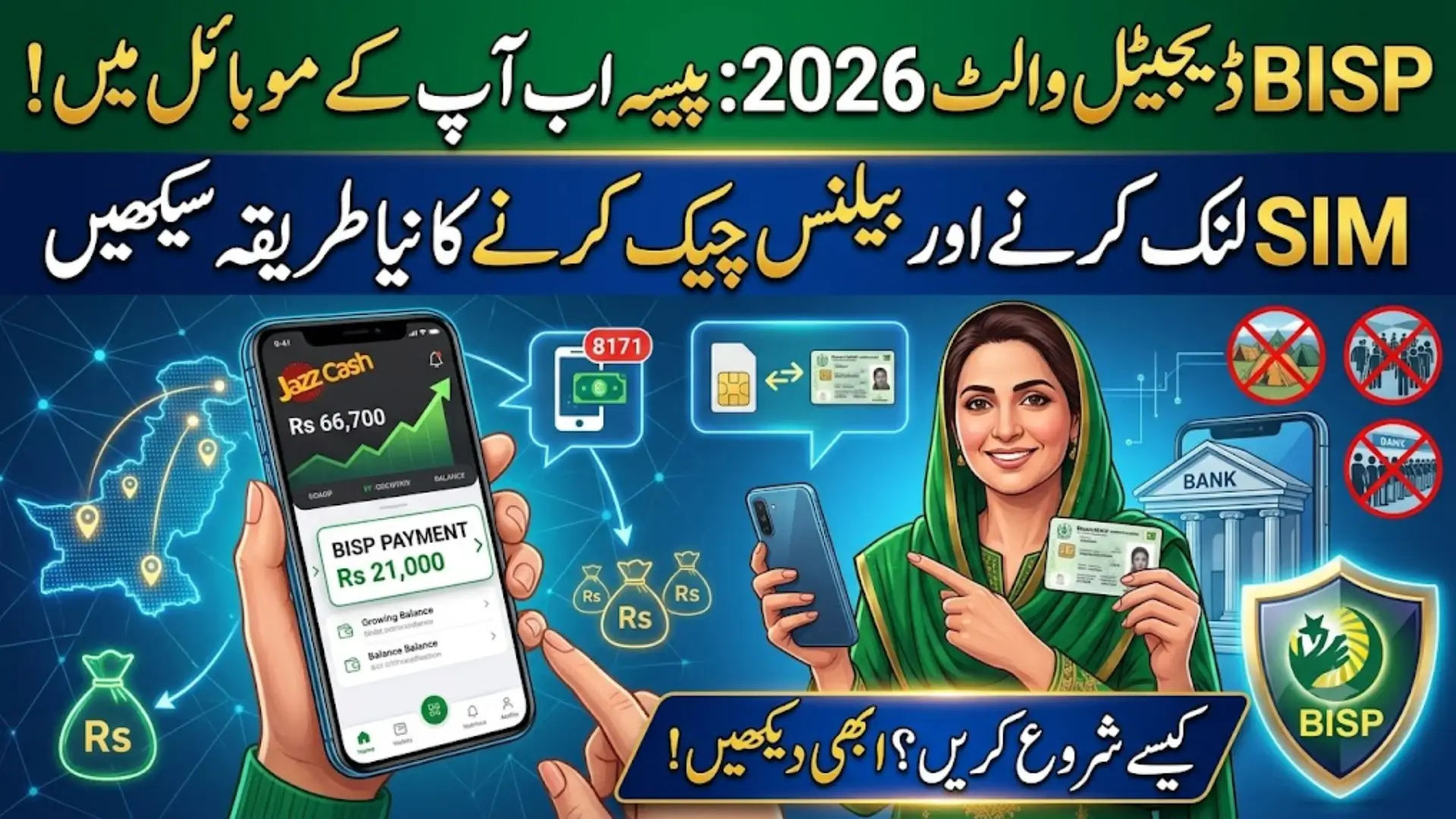
BISP Digital Wallet 2026: How SIM Linking and Balance Checks Actually Work
BISP is changing how millions of families receive their quarterly payment. Instead of standing in line at a campsite every three months, many beneficiaries are now being moved to a digital wallet system — payments land directly in a JazzCash wallet linked to a SIM registered on their own CNIC.
If you’ve heard about this shift and aren’t sure what it means for you, here’s a straightforward breakdown of how it works, how to get set up, and what to do if something goes wrong.
Also Read: 8171 Web Portal 2026: BISP CNIC Check & Rs. 14,500 Payment Guide
What’s Actually Changing
Since the Ramzan 2026 payment cycle, BISP has been rolling out its Social Protection Wallet system, starting in Punjab and expanding from there. The goal is simple: fewer crowded campsites, faster access to your money, and stronger protection against fraud.
Here’s what this means in practice:
- Your payment is linked to a SIM registered in your own name, matched to your CNIC
- Once activated, your quarterly installment is deposited directly into your JazzCash wallet
- You can check your balance from your phone instead of traveling to a bank or campsite
- Biometric verification still applies, but mainly at the point of registration and cash-out, not every single visit
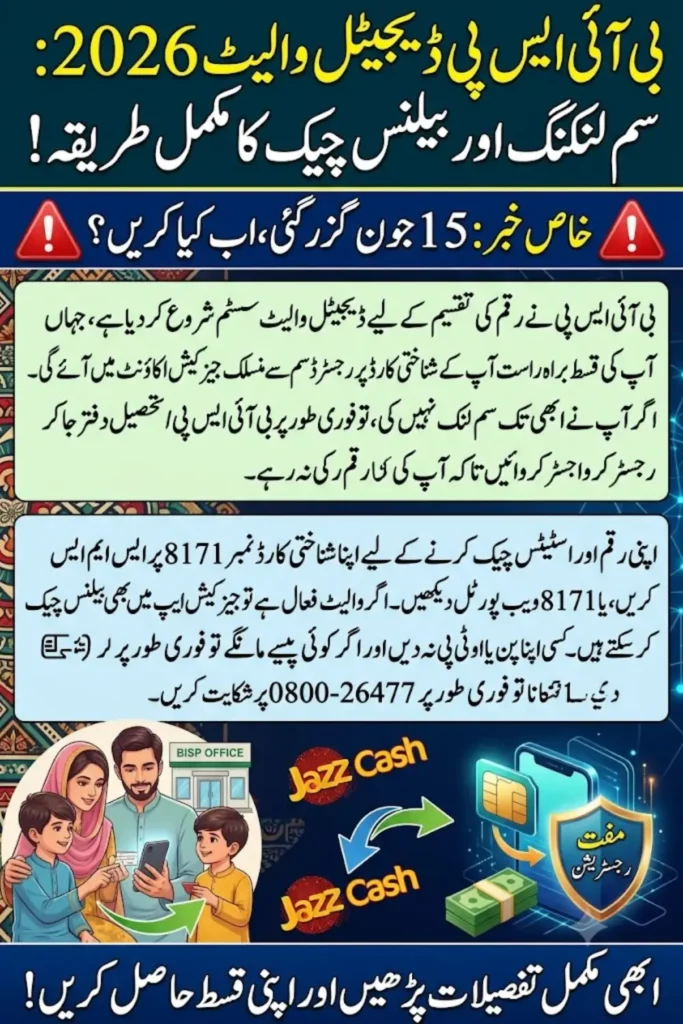
One important deadline already passed: June 15, 2026 was the last date to collect the free Benazir SIM under this rollout. If you missed it, you’ll need to visit your nearest BISP Tehsil Office as soon as possible to complete registration — payments in wallet-enabled districts are now being routed exclusively through this system.
Also Read: 8171 BISP Portal 2026: Check Your Rs. 14,500 Payment Status
How to Get Your SIM Linked and Wallet Activated
Step 1: Get a SIM Registered on Your Own CNIC
If you don’t already have one, visit any Jazz, Zong, Telenor, or Ufone franchise with your original CNIC. The SIM must be registered in your own name — not a family member’s — or wallet activation won’t go through.
Step 2: Confirm Your CNIC With 8171
Send your 13-digit CNIC number (no dashes) to 8171. You’ll get a reply confirming your eligibility and current status.
Step 3: Visit Your BISP Tehsil Office for Wallet Registration
For most beneficiaries, wallet activation isn’t done remotely — you’ll need to visit your nearest BISP Tehsil Office in person with your original CNIC and your personal mobile phone, so staff can complete SIM registration and biometric activation on the spot.
Step 4: Wait for Your Confirmation SMS
Once activation is processed, you’ll receive an SMS confirming your SIM verification and wallet status. This can take a few days depending on your district’s rollout stage.
Step 5: Check Your Wallet
Once active, open your JazzCash app to check your balance directly, rather than relying only on SMS updates.
Also Read: BISP 8171 ATM Withdrawal Guide 2026: How to Collect Rs. 14,500
How to Check Your Balance and Payment Status
You have a few reliable options:
- SMS: Send your CNIC to 8171 for an instant status and payment update
- 8171 web portal: Visit 8171.bisp.gov.pk, enter your CNIC and captcha, and check your latest status
- JazzCash app: If your wallet is active, check your balance directly — this is often the fastest way to confirm your payment has landed
- Bank agent or retailer: Some partner outlets can also print or display your payment slip
Common Problems and How to Fix Them
“SIM not registered on CNIC” message Your SIM isn’t correctly matched to your own CNIC in telecom records. Visit your network’s franchise to verify or correct this.
No confirmation SMS after sending your CNIC to 8171 Wait a few hours and try again — the system can be slow during high-traffic periods. If nothing arrives after a day, call the helpline.
Wallet won’t activate or open This is usually tied to an outdated CNIC or biometric record at NADRA. Get your CNIC details refreshed at NADRA, then try again after 24–48 hours.
Wrong information showing on your profile Contact the BISP helpline or visit your Tehsil office to have your record corrected — don’t try to fix this through unofficial agents.
What This Wallet System Can and Can’t Do
To be clear about what’s actually confirmed: the digital wallet is primarily for receiving your quarterly BISP installment and checking your balance and payment history. Claims circulating online about fixed daily or monthly transfer limits, bill payments, or peer-to-peer transfers through the BISP wallet aren’t officially confirmed — features are still being rolled out district by district, so don’t rely on unofficial sources for exact limits or capabilities. For the most accurate picture of what your wallet supports, check directly with your bank agent or the BISP helpline.
Keeping Your Wallet Secure
- Your wallet only works with the SIM registered on your own CNIC — this is your main layer of protection
- Never share your PIN, OTP, or CNIC with anyone, including people claiming to be BISP agents
- 8171 is the only official BISP SMS number — treat messages from any other number as suspicious
- All registration and activation services are completely free. No one should ask you for money to activate your wallet
Also Read: BISP Payment Missing From Wallet 2026 Reasons & How to Fix It Fast
Helpline
BISP Helpline: 0800-26477 (free, all networks)
Frequently Asked Questions
Q: Do I have to switch to the digital wallet, or can I still collect cash at a campsite?
It depends on your district. Where the Social Protection Wallet has fully rolled out, payments are now routed through the wallet system rather than campsites. Check your status on the 8171 portal to see what applies to you.
Q: I missed the June 15, 2026 SIM deadline — what now?
Visit your nearest BISP Tehsil Office as soon as possible with your original CNIC and personal mobile phone to complete registration. Your eligibility isn’t affected, but your payment may be held until activation is complete.
Q: How do I check my BISP wallet balance?
Send your CNIC to 8171 by SMS, check the 8171 web portal, or open your JazzCash app directly if your wallet is already active.
Q: Why isn’t my wallet activating?
This is usually due to a SIM not registered under your own CNIC, or an outdated CNIC/biometric record at NADRA. Fix the underlying issue first, then recheck after 24–48 hours.
Q: Is there a fee to activate or use the BISP wallet?
No. Registration, SIM linking, and wallet activation are completely free of charge.
Q: Can someone else collect my payment on my behalf?
No. Biometric verification is tied to your own CNIC, so only you can access your wallet or collect your payment.
Also Read: 8171 Verification Not Completed? Here’s How to Fix It (2026 Guide)