BISP Payment Missing From Wallet 2026 Reasons & How to Fix It Fast
BISP Payment Missing From Wallet?
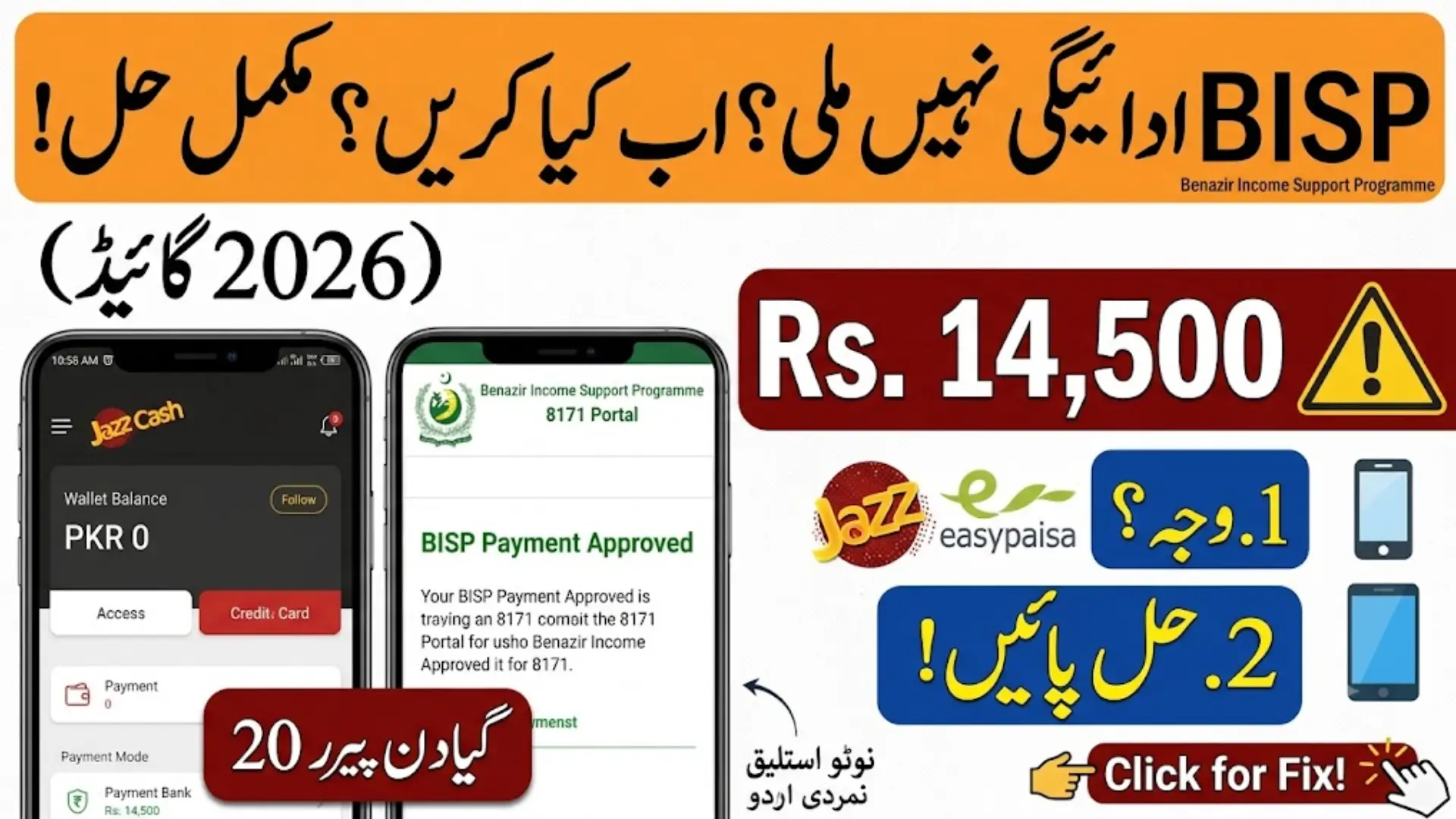
If you checked your JazzCash or EasyPaisa wallet and your BISP payment isn’t there, you’re not alone. Thousands of Kafaalat beneficiaries face this every quarter, and in most cases, it’s not something to panic about. It usually comes down to a handful of common, fixable reasons.
This guide walks you through why this happens in 2026 and exactly what to do about it, step by step.
Also Read: BISP 8171 Payment Update 2026 Latest Installment, Eligibility & Status Check
BISP Payment in 2026
Before we get into the fix, here’s what’s changed recently that you should know:
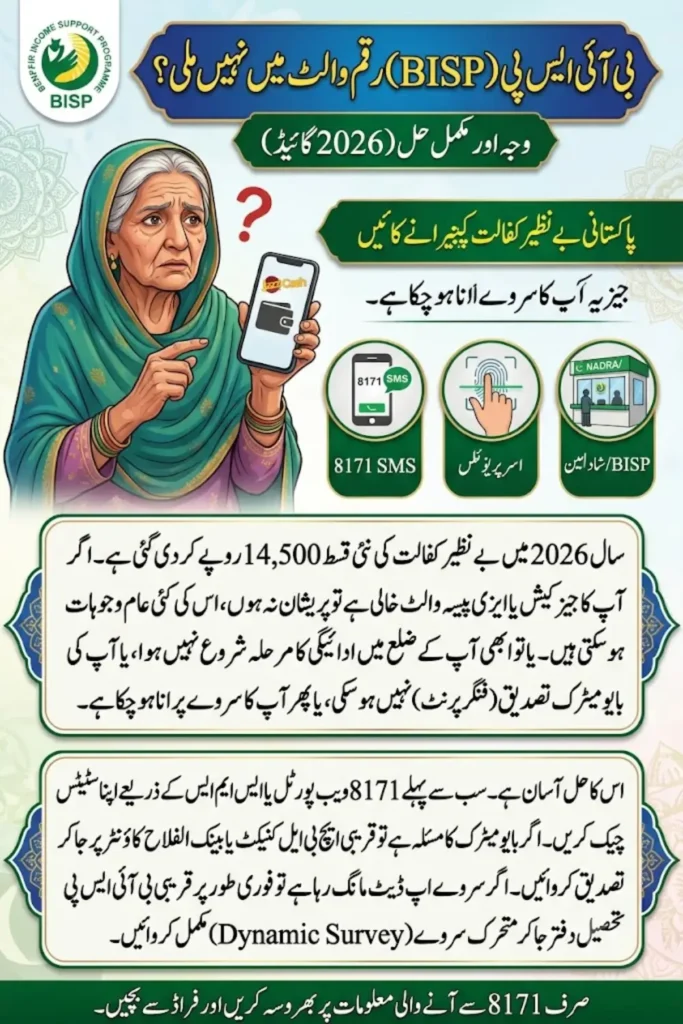
- The quarterly Kafaalat installment is now Rs. 14,500, up from the earlier Rs. 13,500.
- BISP has been shifting away from campsite cash collection toward a Social Protection Wallet system, with many beneficiaries in Punjab now receiving payments directly into JazzCash wallets.
- The official status-check website is 8171.bisp.gov.pk, and the BISP helpline is 0800-26477 (free, all networks).
- Eligibility is still based on your PMT score — generally below 32, or up to 37 if your household includes a person with a disability.
Also Read: BISP 8171 ATM Withdrawal Guide 2026: How to Collect Rs. 14,500
Why Your BISP Payment Isn’t Showing in Your Wallet
There’s rarely just one cause. Here are the most common ones seen this year:
1. Payment hasn’t been released yet for your district BISP releases each quarterly cycle in phases, district by district, not to everyone on the same day. If your area hasn’t entered the active payment phase, your wallet will simply show nothing yet — that’s normal.
2. Wallet sync delay Sometimes BISP has released the payment on their end, but JazzCash or EasyPaisa hasn’t updated your wallet balance yet. This is temporary and usually clears within a day or two.
3. Biometric verification pending or failed If your fingerprint verification wasn’t completed, or it failed at the point of collection, your payment gets held back until it’s redone.
4. CNIC or SIM mismatch Your registered SIM must be issued under your own CNIC. If there’s a mismatch, or your CNIC has expired, the wallet won’t receive the funds.
5. Outdated NSER survey data Your eligibility is tied to your household record in the National Socio-Economic Registry (NSER). If your information is old or incorrect, it can block or delay your payment. Updates typically take 10 to 30 days to reflect after a survey is completed.
6. Missed SIM registration deadline Since BISP is now pushing payments through digital wallets, beneficiaries who haven’t collected their free Benazir SIM or linked their wallet properly may not receive funds until this is sorted out.
Also Read: BISP Social Protection Wallet 2026 Full Guide to Pay, Withdraw & Track Benefits
Step-by-Step: How to Check and Fix It
Step 1: Check Your Status on the Official 8171 Portal
Go to 8171.bisp.gov.pk, enter your CNIC number and the captcha, then submit. This will show your eligibility, payment amount, and release status.
If it shows your payment as “released” but it’s still missing from your wallet, the issue is on the wallet’s end, not BISP’s — move to Step 2.
Step 2: Check by SMS
If you don’t have internet access, send your CNIC number to 8171 from your registered mobile number. You’ll get a reply with your current status — this works on all networks and is completely free.
Step 3: Refresh Your Wallet App
Before assuming there’s a bigger problem, try the basics:
- Log out and log back into JazzCash or EasyPaisa
- Refresh your balance
- Clear the app’s cache
- Wait a few hours and check again
Many “missing” payments simply appear after this.
Step 4: Complete or Redo Biometric Verification
If your status shows pending verification, visit your nearest HBL Konnect or Bank Alfalah BISP counter with your original CNIC and complete your fingerprint scan. Payments are usually released within minutes once this is done.
Step 5: Fix CNIC or SIM Issues
Make sure your SIM is registered in your own name and your CNIC is not expired. If either is wrong, get it corrected at NADRA or visit your nearest BISP Tehsil Office.
Step 6: Update Your NSER Survey
If your household data is outdated, visit your nearest BISP Tehsil Office to complete or update your dynamic survey. Once updated, allow up to a month for it to reflect on your account.
When Should You Visit a BISP Office or Bank in Person?
Skip the online checks and go directly to your nearest BISP Tehsil Office or HBL Konnect/Bank Alfalah counter if:
- Biometric verification keeps failing repeatedly
- Your CNIC needs manual approval
- Your wallet is blocked or stuck in “processing”
- Your payment has been marked “released” for over a week but still isn’t in your wallet
Bring your original CNIC. Ask for your payment history and, if needed, request that your payment be reprocessed.
Also Read: 8171 BISP Portal 2026: Check Your Rs. 14,500 Payment Status
Stay Safe: Protect Yourself From Fraud
BISP has repeatedly warned beneficiaries about scam messages and fake agents. Keep these rules in mind:
- 8171 is the only official number for BISP SMS. Ignore messages from any other number claiming to be BISP.
- Never share your CNIC, PIN, or OTP with anyone, including people claiming to be BISP agents.
- All BISP services — registration, surveys, verification, and payments — are completely free. No one should ask you for money.
- If someone demands payment to “release” your funds, report it to the BISP helpline: 0800-26477.
Also Read: 8171 Web Portal 2026: BISP CNIC Check & Rs. 14,500 Payment Guide
How to Avoid This Problem Next Quarter
- Keep your CNIC valid and up to date
- Make sure your SIM is register under your own name
- Complete your NSER survey on time, and update it whenever your household situation changes
- Check your status through official channels only — the 8171 portal or SMS
Also Read: BISP 8171 Payment Update 2026 Latest Installment, Eligibility & Status Check
Frequently Asked Questions
Q: Why is my BISP payment release but not in my wallet?
This usually means there’s a sync delay between BISP and your wallet provider (JazzCash/EasyPaisa). Refresh the app, wait a few hours, and check again. If it’s still missing after 2–3 days, visit your nearest BISP office.
Q: How much is the BISP Kafaalat payment in 2026?
The current quarterly installment is Rs. 14,500 per eligible household.
Q: How do I check my BISP payment status?
Visit 8171.bisp.gov.pk and enter your CNIC with the captcha, or send your CNIC number via SMS to 8171.
Q: What is a PMT score, and how does it affect my payment?
Your Poverty Means Test (PMT) score determines eligibility. Generally, a score below 32 qualifies you for payment, while households with a person with a disability qualify up to a score of 37.
Q: How long does it take for an NSER survey update to show on my account?
It typically takes 10 to 30 days after your survey is complete for the update to reflect in the system.
Q: Is there any fee to fix a missing BISP payment?
No. All BISP services, including verification, survey updates, and payment troubleshooting, are completely free. Do not pay anyone claiming otherwise.
Q: What number should I trust for BISP updates?
Only 8171. BISP does not send official messages from any other number.
Also Read: BISP 8171 Payment Locations 2026 Find Your Nearest Withdrawal Point