PSER Registration 2026 – Check Your Survey Status Online
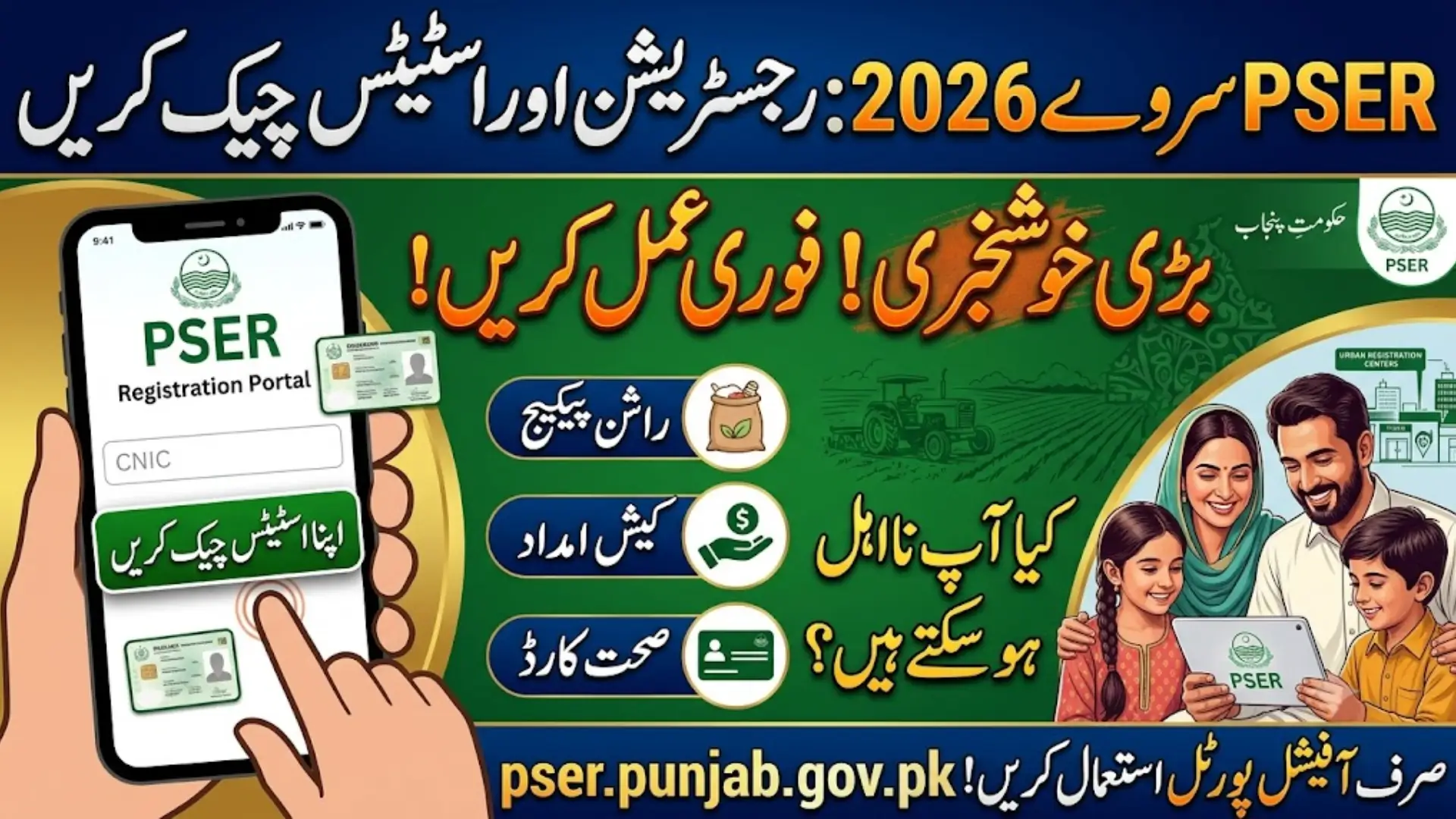
If you live in Punjab and you’ve heard people talking about “PSER survey” at your local Union Council office, on WhatsApp groups, or in the news, you’re not alone. The Punjab Socio-Economic Registry (PSER) has quietly become one of the most important government databases in the province, and in 2026, it’s connected to almost every welfare program the Punjab government is running.
This guide will walk you through what PSER actually is, how to register, and most importantly, how to check your survey status online without getting confused by fake websites.
What is PSER?
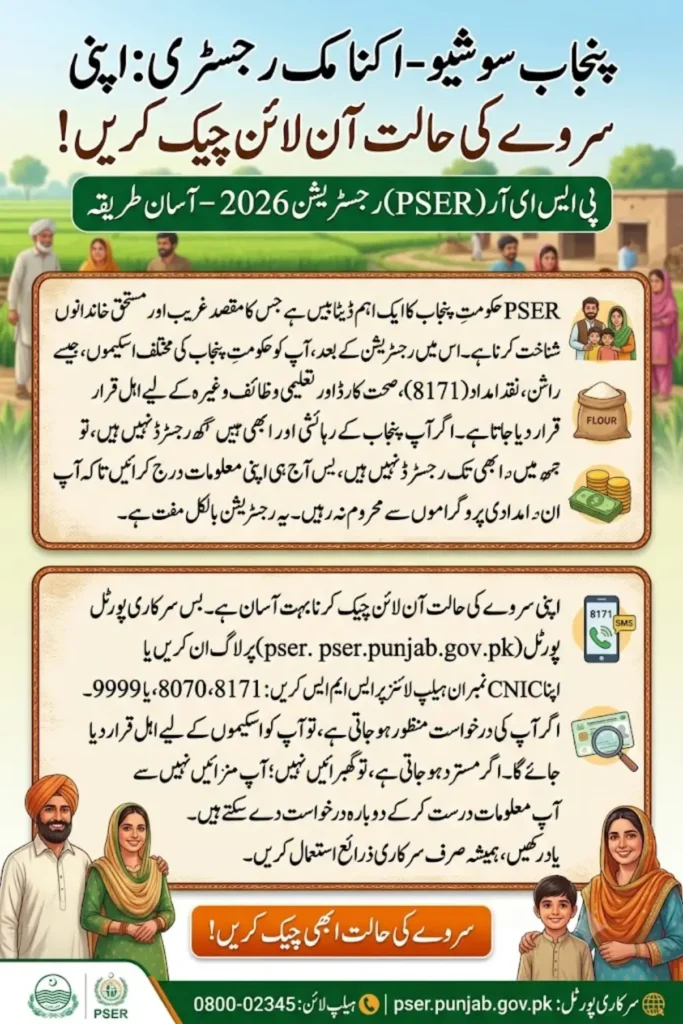
PSER stands for Punjab Socio-Economic Registry. It’s a province-wide data collection initiative by the Government of Punjab, aimed at building one central database of households across the province.
In simple words: the government wants to know exactly who is struggling financially, so it can direct help like ration, cash assistance, health cards, and education support to the families who actually need it, instead of spreading resources thin.
Your PSER record includes details like:
- Family income sources
- Number of family members
- Housing condition (owned or rented, number of rooms, etc.)
- Employment status
- Health conditions or disabilities in the household
- Children’s education status
- Bank account details (if any)
Once this information is collected and verified, it’s used to calculate a “poverty score” for your household, which decides your eligibility for different Punjab government schemes.
Also Read: Rehmat Card 2026 Eligibility, Registration & Rs. 100,000 Benefit
Why PSER Registration Matters in 2026
Here’s the part most people don’t realize: PSER is no longer optional if you want access to Punjab’s welfare programs. Several schemes now require applicants to be registered and verified in the PSER database first, including:
- Ramzan Rashan Package (free atta and subsidised ration)
- CM Punjab Ration Card
- Various Punjab health card and education support schemes
- Widow and disability support cards
- Cash assistance and relief packages announced from time to time
If your household isn’t part of the PSER registry, or if your data is outdated, you risk being left out of these programs entirely — even if you genuinely qualify.
Also Read: Apna Ghar Mehfooz Ghar Scheme 2026: Rs. 500,000 Interest-Free Loan to Repair Unsafe Homes
Who Should Register for PSER?
PSER registration is open to all residents of Punjab, but it’s especially important for:
- Low-income households
- Widows and single-earner families
- Families with a disabled or chronically ill member
- Daily wage workers and labourers
- Families not currently receiving support from any major government program
Note: Anyone can register, but priority for assistance is given to households that genuinely show financial hardship based on their survey answers.
Also Read: PSER Online Registration 2026 – Submit Application, Verify Status & Track Approval in Minutes
Documents You Need for PSER Registration
Before you start, keep these ready:
| Document | Required For |
|---|---|
| Valid CNIC | Head of household and all adult family members |
| B-Form | All children under 18 in the household |
| Mobile number (registered in your own name) | OTP verification and SMS updates |
| Utility bill (optional in some cases) | Address and income verification |
| Bank account details (if available) | For future disbursement of cash assistance |
Important tip: If your CNIC has expired, get it renewed from NADRA first. An expired CNIC is one of the most common reasons applications get rejected on the PSER portal.
How to Register for PSER Online (Step-by-Step)
You can complete PSER registration in two ways: online through the official portal, or offline through a registration centre. Here’s how the online method works:
Step 1: Visit the Official PSER Portal
Go to the official website: pser.punjab.gov.pk
Always double-check the web address before entering your CNIC or personal details anywhere. There are several unofficial websites online using similar names, and it’s best to stick to the official government domain to avoid your data being misused.
Step 2: Create Your Account
- Enter your full name, CNIC number, and an active mobile number
- Add your email address (if you have one)
- Create a password for future logins
- Confirm your password and click Register
Step 3: Start a New Application
Once your account is created, log in and click on “New Application” to begin filling out your household survey.
Step 4: Fill in Household Details
You’ll need to go through several sections, including:
- Basic information: Name, CNIC, gender, and date of birth of the head of household
- Family details: Number of members, ages, and relationships
- Health status: Whether any family member has a disability or chronic illness
- Education status: Literacy and highest qualification of each member
- Employment and income: Main occupation and average monthly income
- Bank details: Account information, if you have one (select “No” if you don’t)
Step 5: Review and Submit
Before hitting submit, go through every section carefully. Incorrect details, especially around income and family members, are a common reason for rejection or delays later. Once you’re confident everything is correct, click Save/Submit.
Step 6: Note Your Reference Number
After submission, you’ll usually get a confirmation message or reference number. Save this somewhere safe. You’ll need it later to track your application status.
How to Register Offline (Door-to-Door or Registration Centres)
If you’re not comfortable with the online process, or your area is covered under the door-to-door (Ghar Ghar) survey, you can also register offline:
- Wait for the PSER survey team to visit your home, or visit your nearest registration centre yourself.
- Get a token number if visiting a centre in person.
- Carry your CNIC, children’s B-forms, and any income-related documents.
- Answer the survey questions honestly. The data entry operator will fill in your details on the spot.
- Ask for a receipt or confirmation slip before leaving.
There are around 5,000 registration centres set up across Punjab, so there’s likely one within reasonable distance of your home.
Also Read: Punjab E-Bike Scheme 2026: Free & Interest-Free Electric Bikes for Students
How to Check Your PSER Survey Status Online
Once you’ve registered, checking your status is simple. Here’s how:
Method 1: Through the Official Portal
- Go to pser.punjab.gov.pk
- Log in using your CNIC and password
- Go to your dashboard and look for “Application Status”
- Click on it to see your current status
Method 2: Via SMS
You can also check your status by sending your CNIC number to one of these designated helplines:
- 8171
- 8070
- 9999
You’ll typically receive a reply within a few minutes showing your current registration and eligibility status.
Method 3: PSER Helpline
If you’re having trouble checking online, you can call the Punjab government’s complaint centre helpline:
0800-02345
Understanding Your PSER Status
After your application is reviewed, you’ll usually see one of these results:
| Status | What It Means |
|---|---|
| Approved | Your data has been verified and you’re eligible for relevant welfare programs |
| Under Verification | Your application is still being reviewed; no action needed yet |
| Rejected | Your application didn’t meet requirements or had incomplete/incorrect information |
| Not Registered | Your household hasn’t submitted a PSER application yet |
If your application is approved, you may also get an SMS confirmation directly from the PSER system.
What to Do If Your PSER Application Is Rejected
Don’t panic — rejection isn’t always final. Here’s what you can do:
- Check the reason carefully. Common reasons include expired CNIC, incomplete family details, or mismatched mobile number ownership.
- Update your information. You can log back into the portal and correct any mistakes.
- Re-apply during the next survey phase. The government periodically reopens PSER for re-surveys, especially before major relief packages like Ramzan rashan.
- Visit your nearest registration centre for manual verification if you believe there’s an error on the government’s end.
Common Mistakes to Avoid During PSER Registration
- Using a mobile number that isn’t registered in your own name
- Entering an expired CNIC
- Leaving out family members, especially children without B-forms
- Providing inaccurate income details (either understating or overstating)
- Registering through unofficial or third-party websites that ask for payment — PSER registration is completely free
Is There a Last Date for PSER Registration?
This is one of the most commonly asked questions, and the honest answer is: PSER doesn’t have one single fixed deadline. It’s a continuously updated registry, not a one-time form. However:
- Specific relief programs (like Ramzan packages) often set their own cut-off dates for PSER verification.
- The government periodically runs fresh survey drives in different districts.
- It’s always safer to register as early as possible rather than waiting, since missing a phase could mean missing out on a relief package tied to it.
FAQs About PSER Registration 2026
Q1: What is PSER Registration 2026?
PSER stands for Punjab Socio-Economic Registry, a Government of Punjab initiative that collects household data to identify families eligible for welfare programs like ration support, cash assistance, and health cards.
Q2: Is PSER registration free?
Yes, PSER registration is completely free. You should never pay anyone, whether online or in person, to register or check your status.
Q3: How can I check my PSER application status online? You can check your status by logging into pser.punjab.gov.pk with your CNIC and password, or by sending your CNIC number to 8171, 8070, or 9999 via SMS.
Q4: What documents do I need for PSER registration?
You’ll need a valid CNIC for all adult household members, B-forms for children under 18, an active mobile number, and ideally your bank account details if you have one.
Q5: Can I apply again if my PSER application is reject?
Yes. You can update your information and apply again during the next re-survey phase, or visit your nearest PSER registration centre for manual correction.
Q6: Is PSER only for Ramzan relief packages?
No. While PSER data is use heavily during Ramzan relief distribution, it’s also link to several other Punjab government programs, including health cards, education support, and cash assistance schemes.
Q7: What if my household was miss during the door-to-door survey?
You can visit your nearest PSER registration centre for manual registration, or complete your application yourself through the official online portal.
Also Read: Apna Ghar Mehfooz Ghar Scheme 2026: Rs. 500,000 Interest-Free Loan to Repair Unsafe Homes
Final Thoughts
PSER has quickly become the backbone of Punjab’s welfare system, connecting families to everything from subsidised ration to cash relief programs. If you haven’t registered yet, it’s worth doing sooner rather than later, since being left out of this registry could mean missing out on support you’re genuinely entitled to.
Always use the official portal at pser.punjab.gov.pk, keep your CNIC updated, and check your status regularly, especially around the time major relief packages are announced.
Also Read: Rehmat Card 2026 Eligibility, Registration & Rs. 100,000 Benefit